Template 01
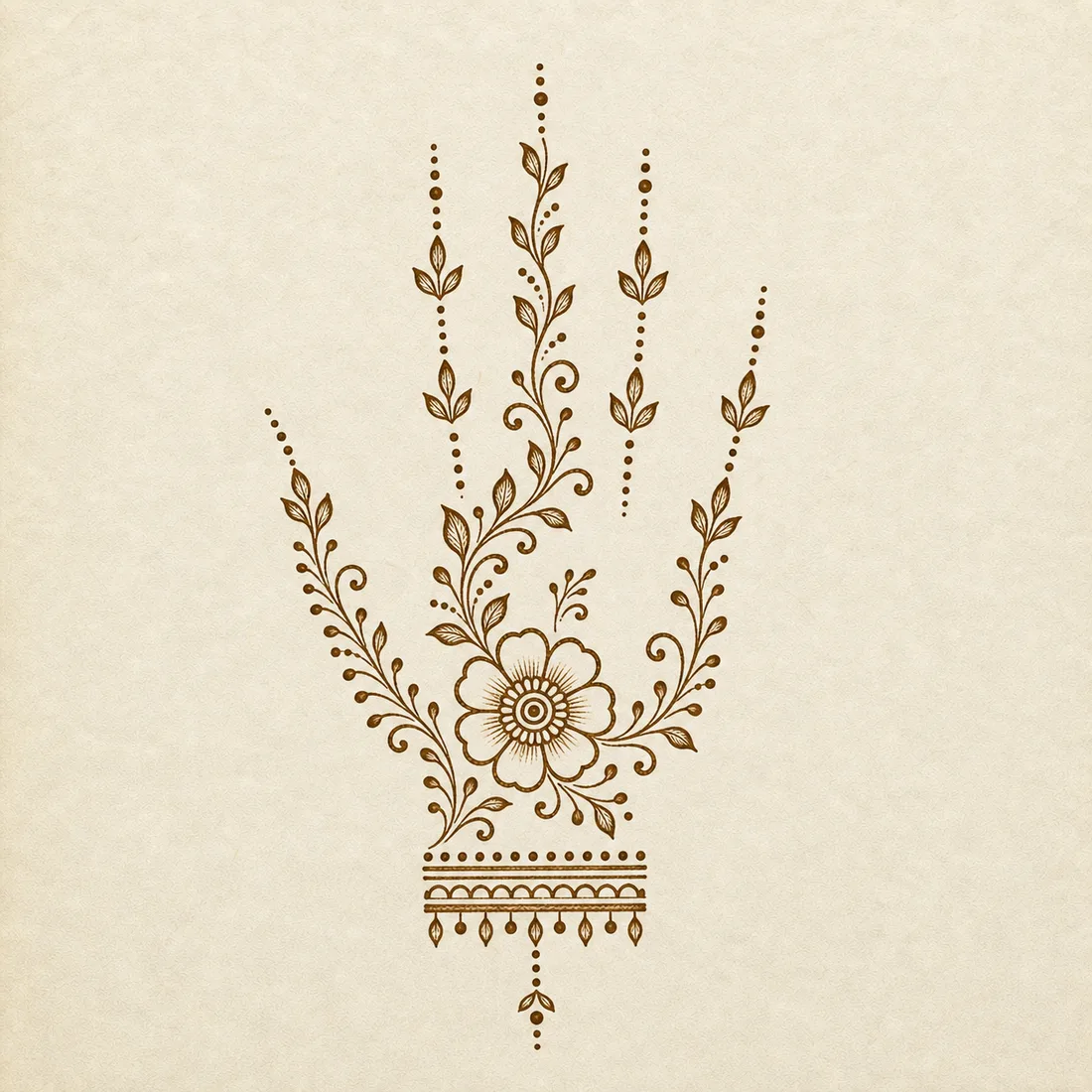
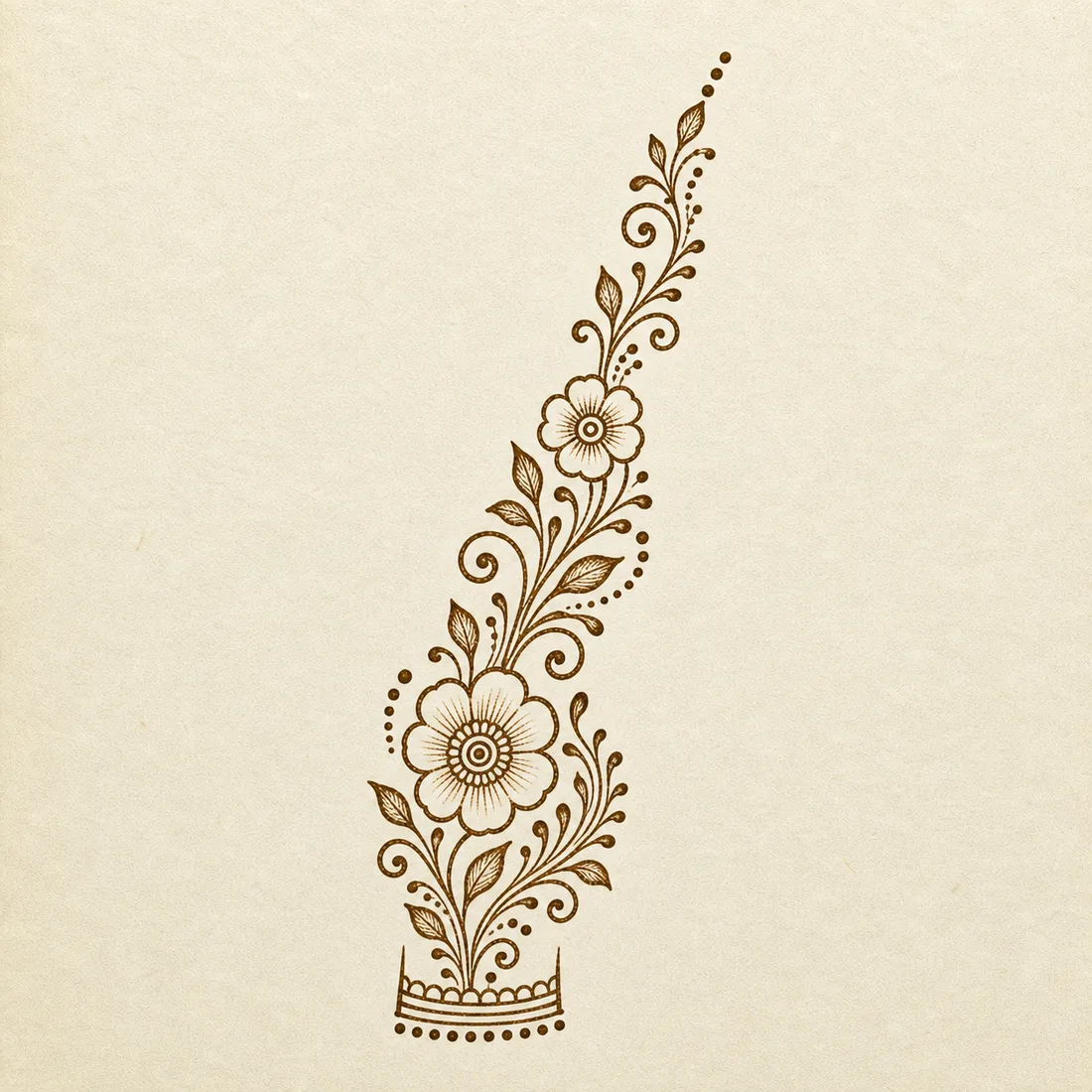
Easy Floral Trail Front Hand Design
A light floral trail that starts near the wrist and moves toward the fingers. It fills the hand without heavy shading.
Place the wrist flower first, then build the trail upward in small clusters.
Front hand gallery
Explore 12 easy front hand mehndi designs with floral trails, palm tikkas, Arabic paisley templates, placement outlines, hand previews, and practice tips.
Front hand mehndi needs a little more planning than a finger design, but it does not have to be dense. These beginner-friendly ideas use open trails, small palm motifs, light finger accents, and simple wrist borders.
The first ten images are paper templates or placement outlines for practice. The last two are hand placement previews so you can see how a floral trail or palm mandala may sit on the hand before adapting it.
Front hand gallery

Template 01
A light floral trail that starts near the wrist and moves toward the fingers. It fills the hand without heavy shading.
Place the wrist flower first, then build the trail upward in small clusters.
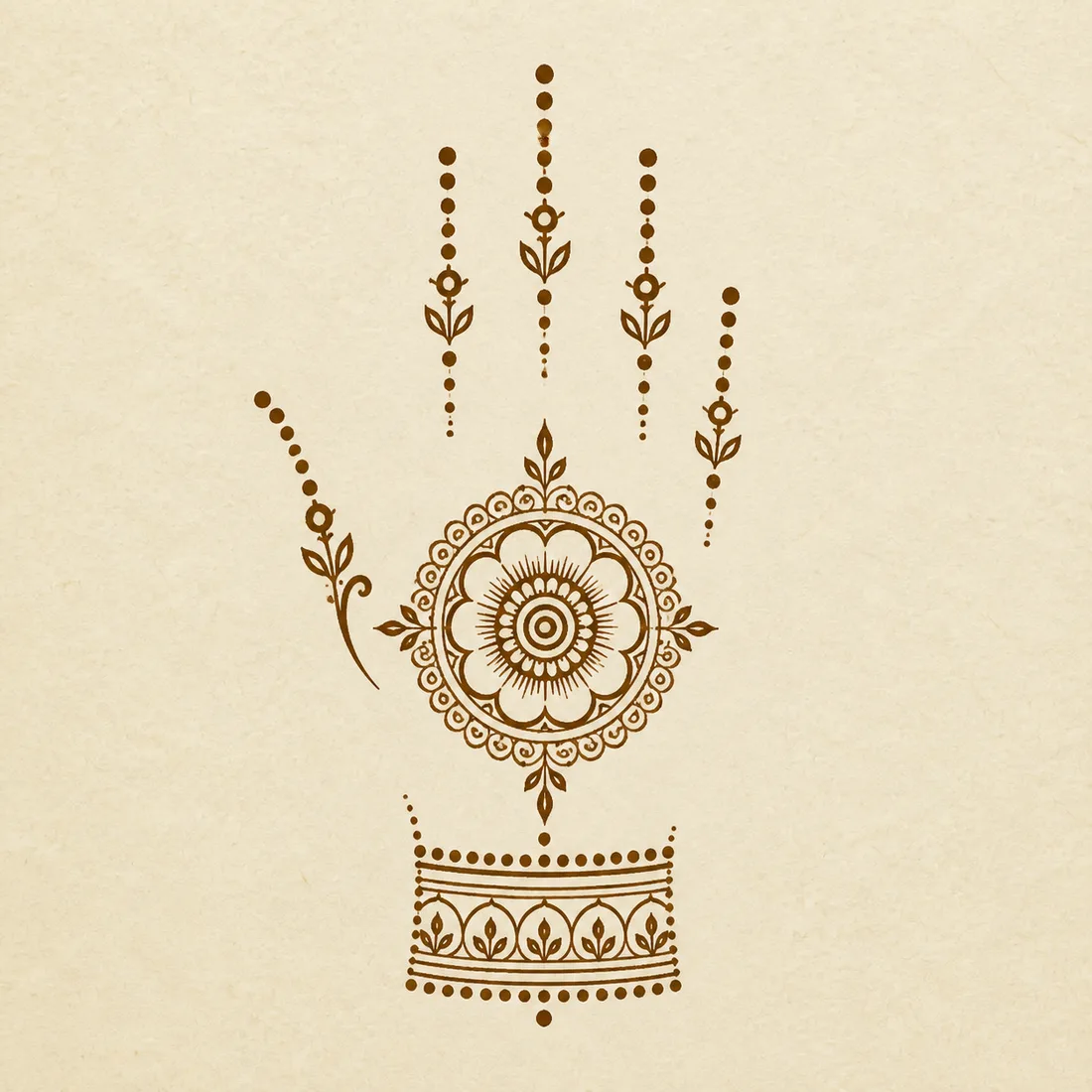
Template 02
A centered mandala with light finger trails and a simple wrist border. It is a useful bridge between tiny designs and full hand layouts.
Draw the mandala slowly and keep finger accents minimal so the palm stays the focus.

Template 03
An open paisley and flower trail with lots of negative space. It gives a festive effect while staying beginner-friendly.
Keep the paisley empty inside or add only one inner curl; overfilling makes it harder fast.

Template 04
A small flower, wrist line, and dot trails create a front hand design that feels clean rather than busy.
Stop after the main flower and dots if the design already feels balanced.

Template 05
A bracelet-to-index-finger path gives beginners a clear direction and avoids overworking the whole palm.
Draw the bracelet first, then connect it to the finger with one clean curve.

Template 06
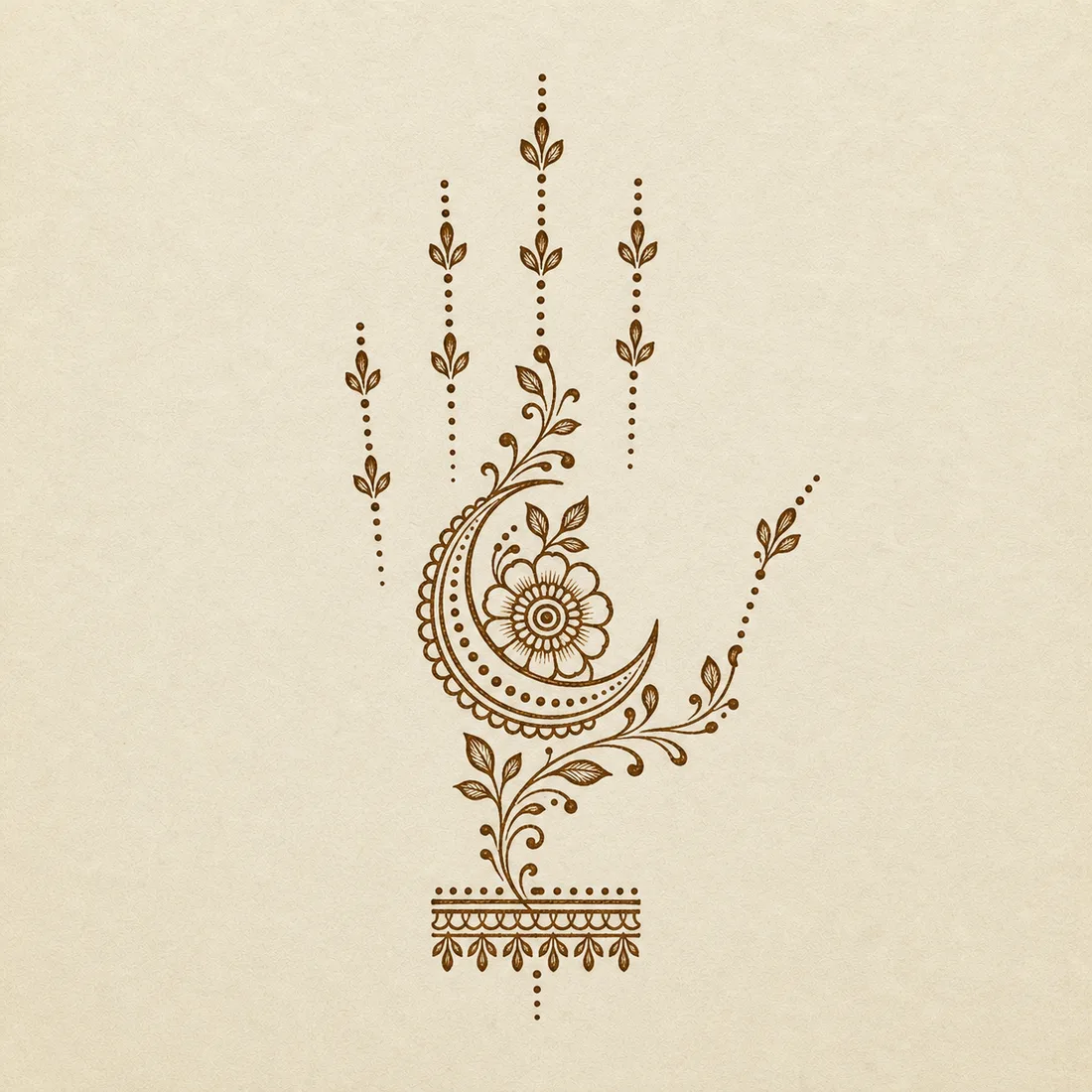
A crescent and flower pairing gives the page a festive option while keeping the structure simple and open.
Draw the crescent in one motion, then use dots to soften the transition into the flower.

Template 07
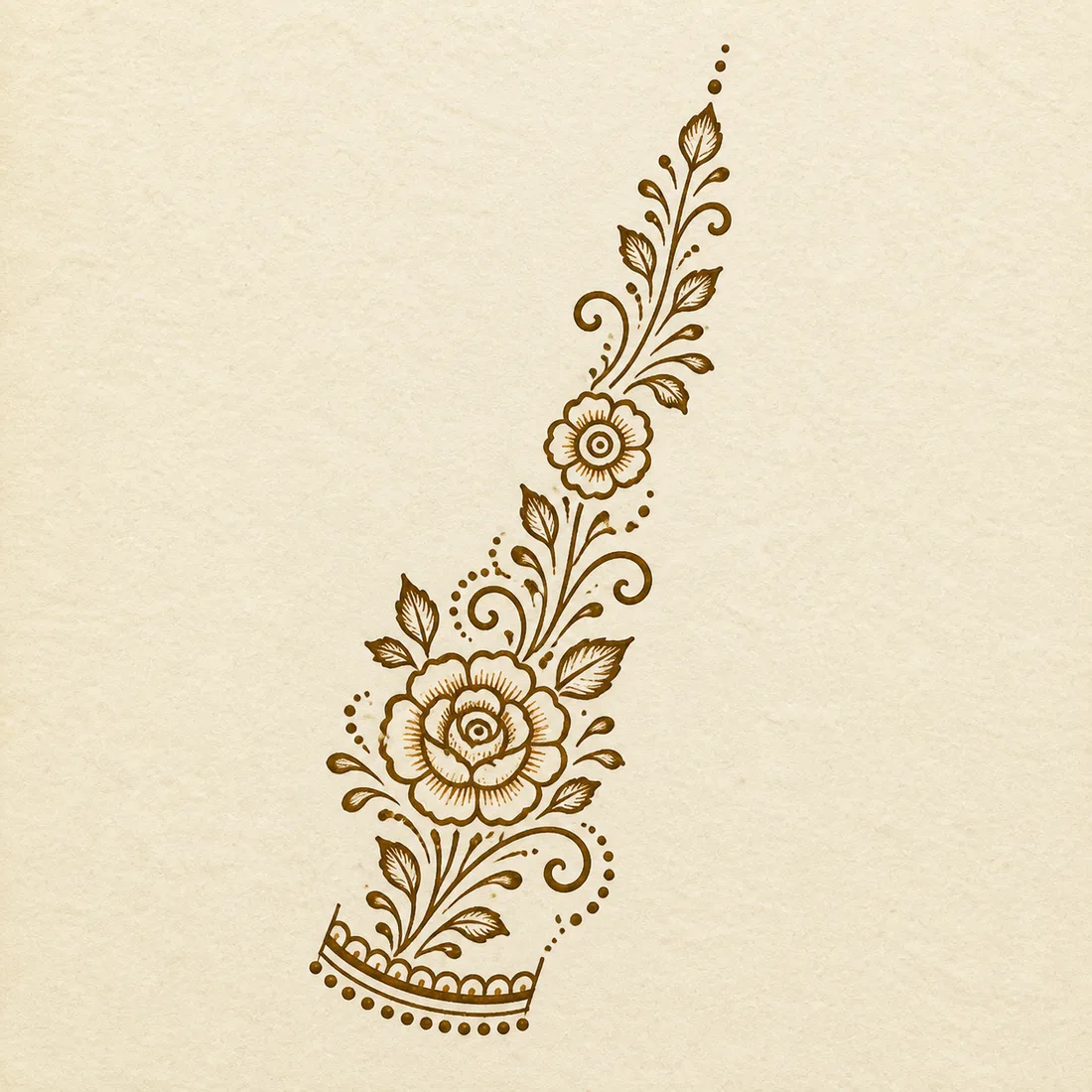
A rose-style trail rises from a small wrist curve toward the finger area. It adds a fuller floral option while keeping the background open.
Use the wrist curve as the base, place the rose cluster next, then let the leaves guide the diagonal movement.

Template 08
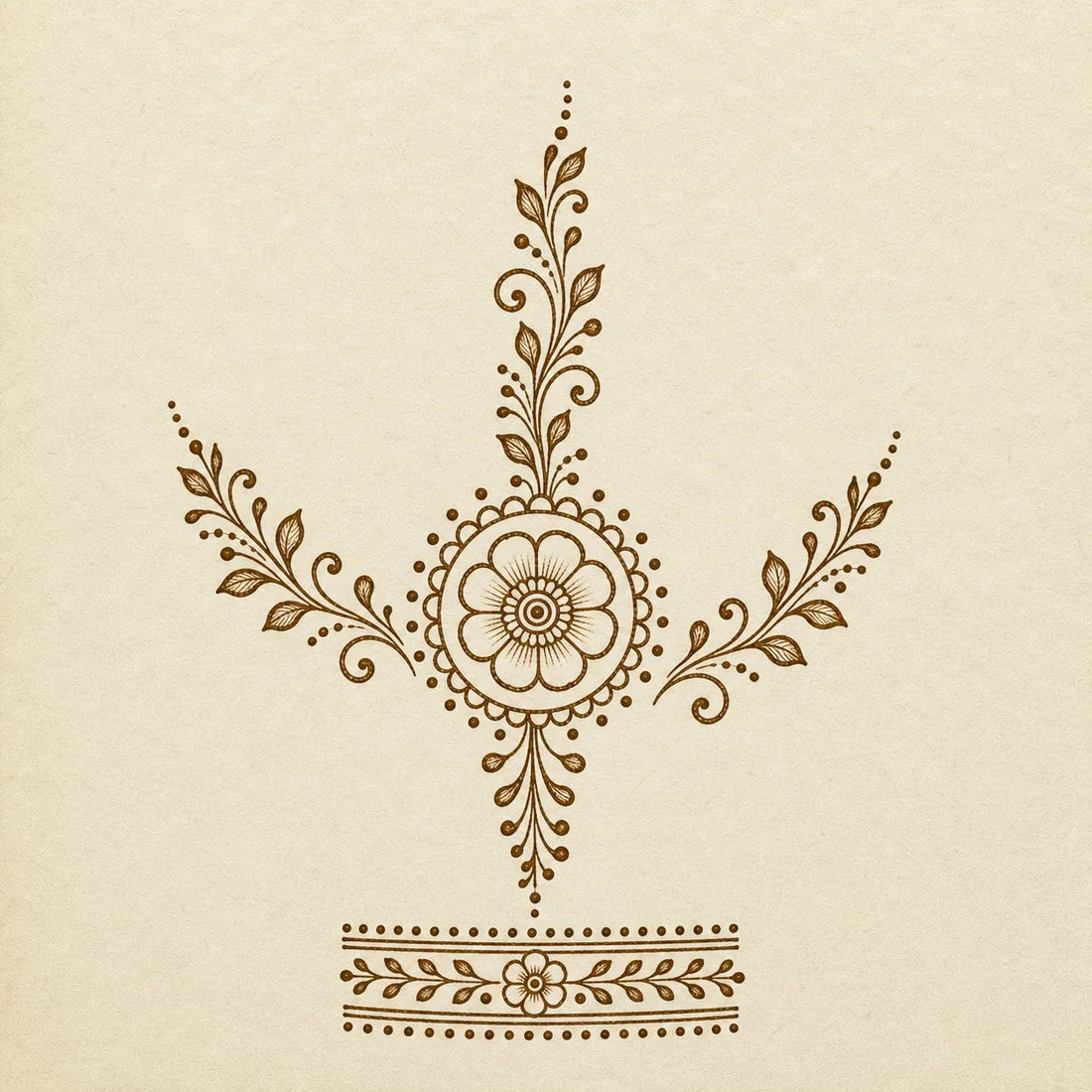
A centered palm tikka, simple finger trails, and a light bracelet border show how a front-hand design can feel complete without dense filling.
Start with the palm tikka, then add the wrist border and finger dots only after the center is balanced.

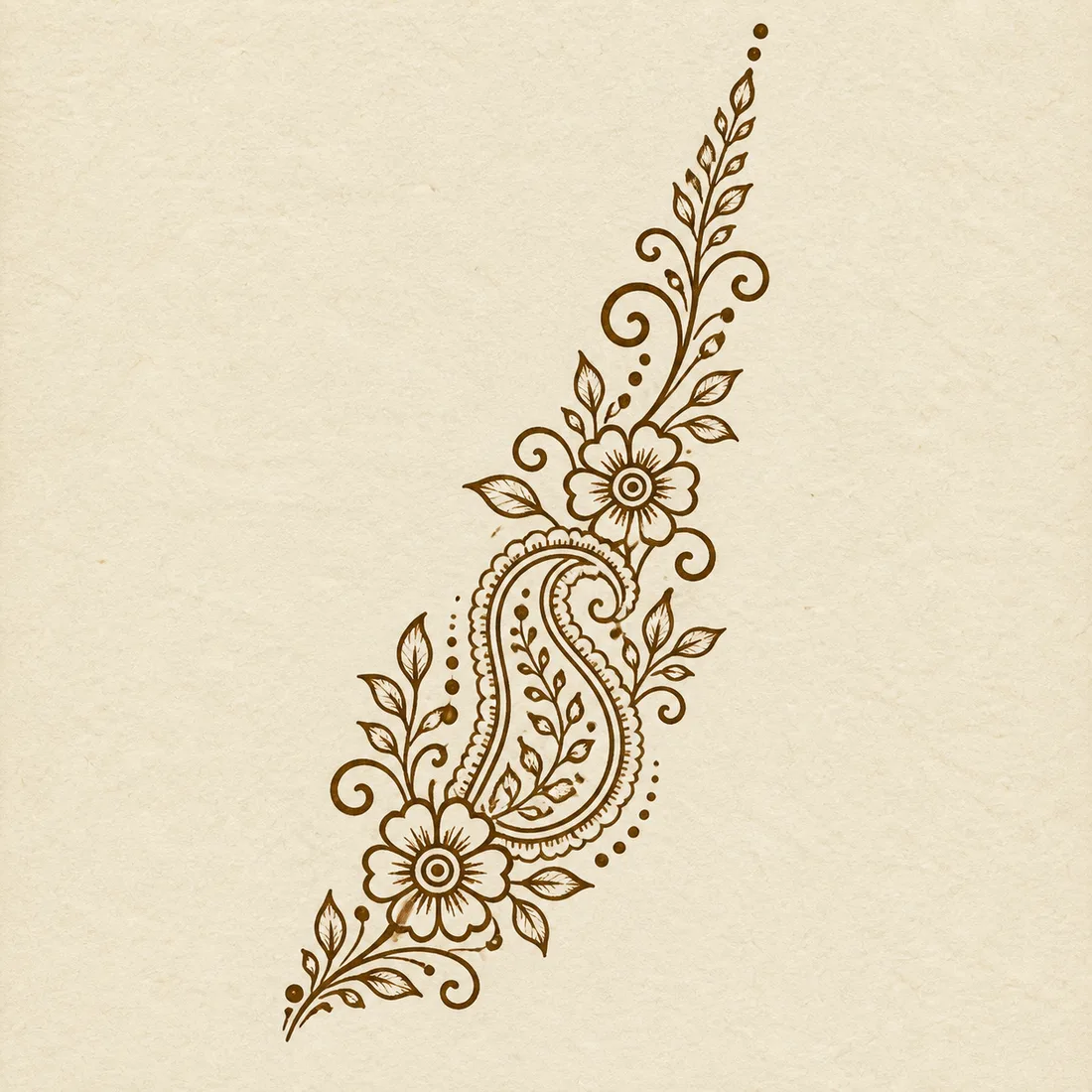
Template 09
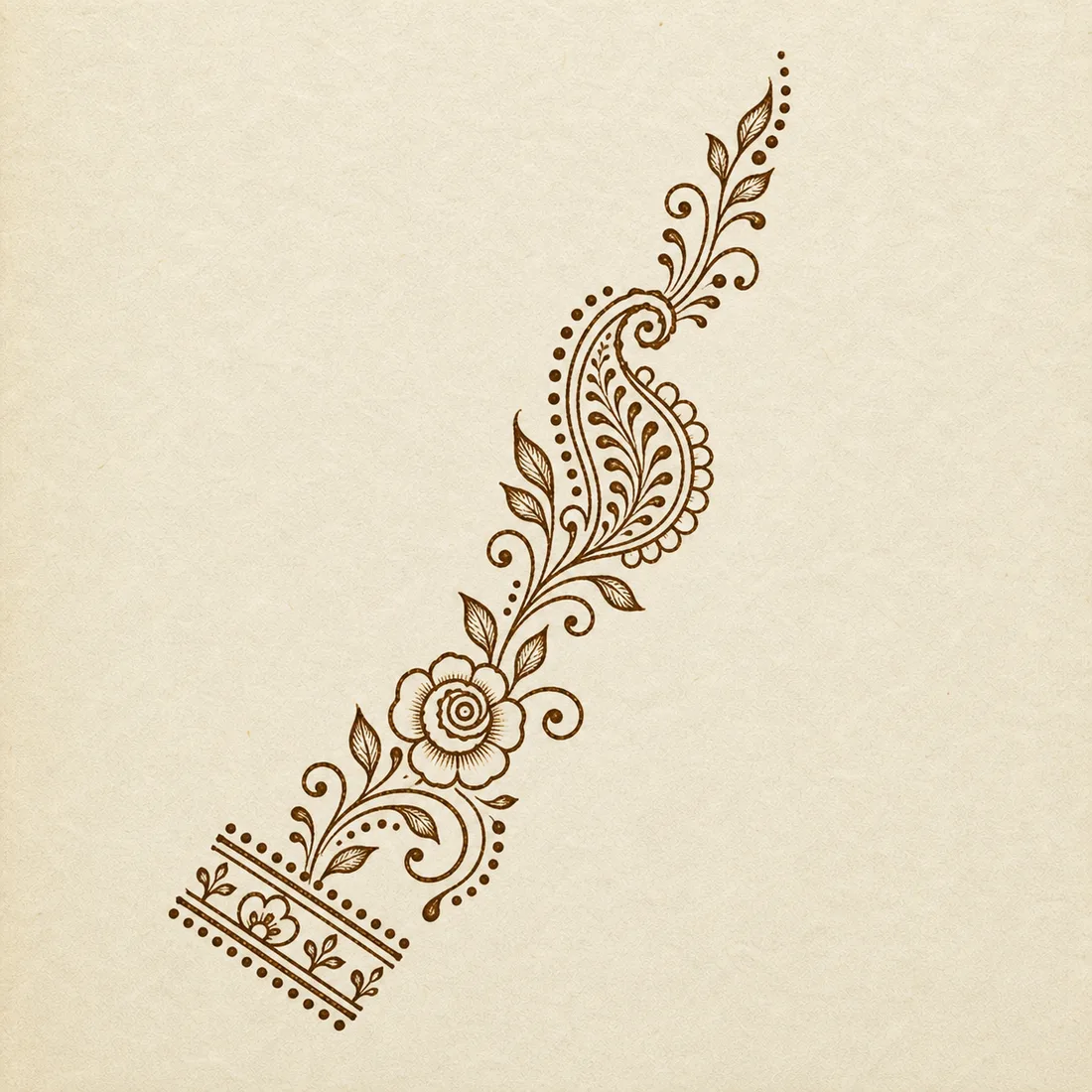
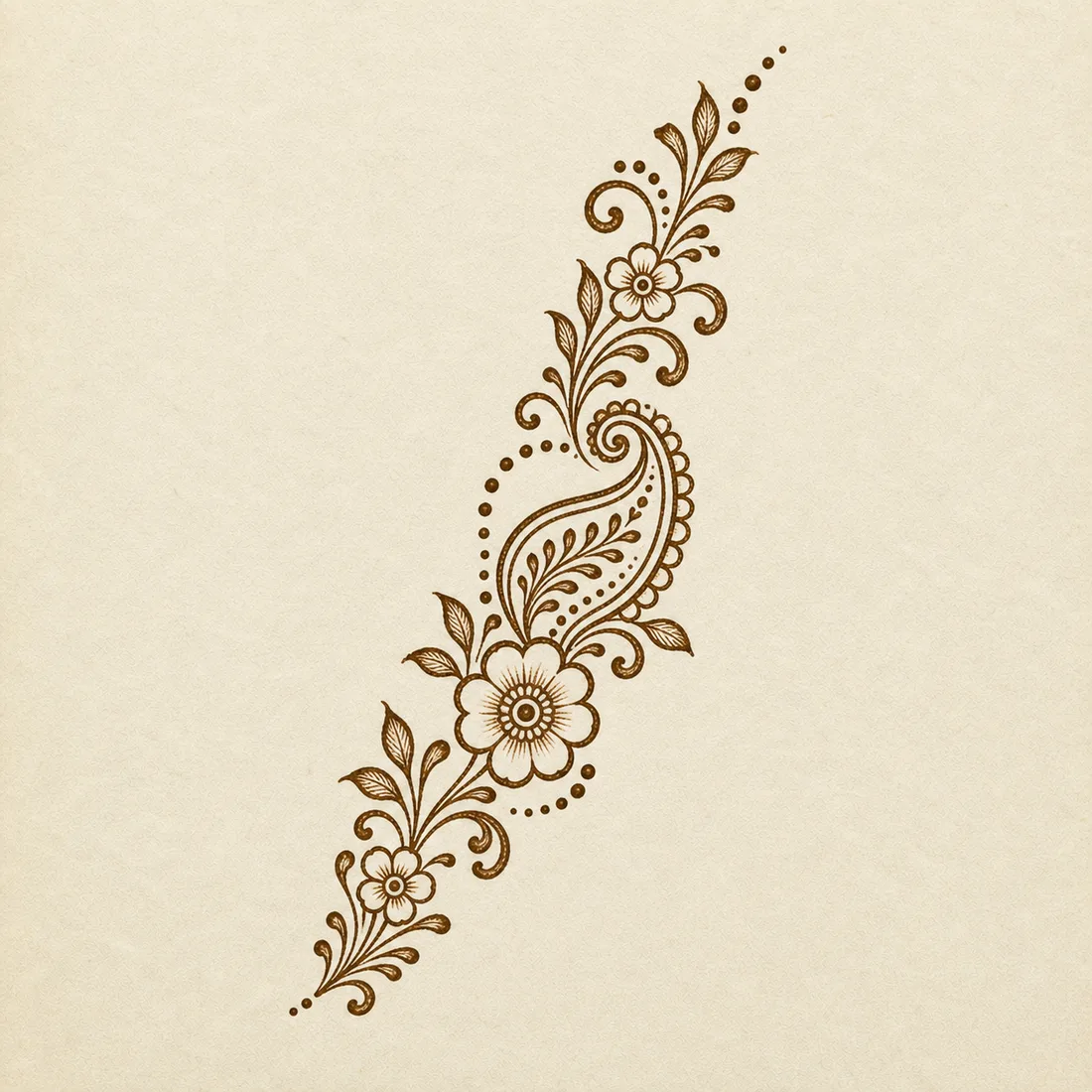
An open paisley trail gives the front hand an Arabic-inspired look with flowers, leaves, and dots arranged around generous negative space.
Keep the large paisley open inside, then use the small flowers as stopping points along the diagonal trail.

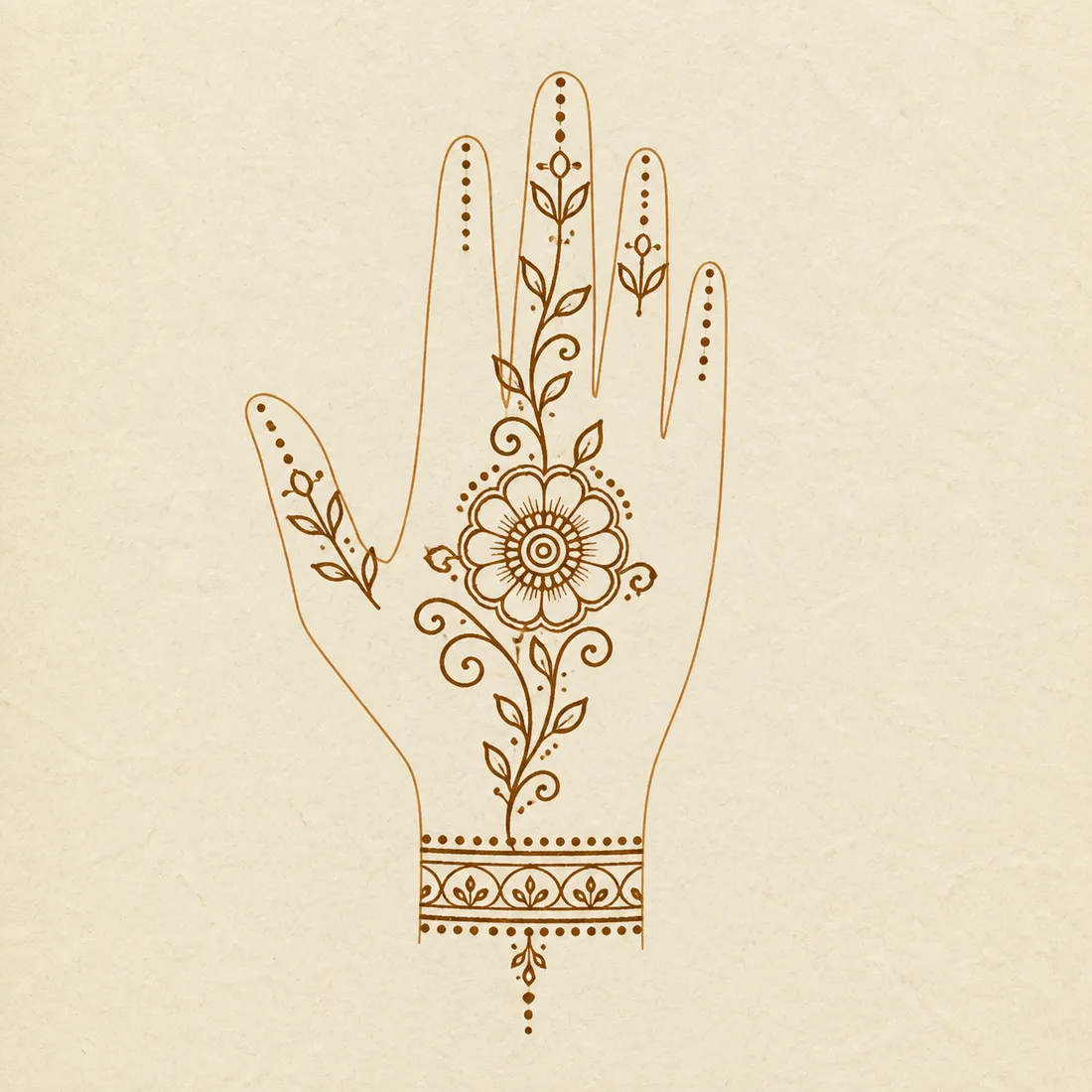
Template 10
This outline-style template maps a leaf trail, palm flower, finger accents, and wrist bracelet onto a simple hand shape for easier placement planning.
Treat the hand outline as a guide, not part of the final design. Copy the trail and bracelet, then adjust the scale for your own hand.

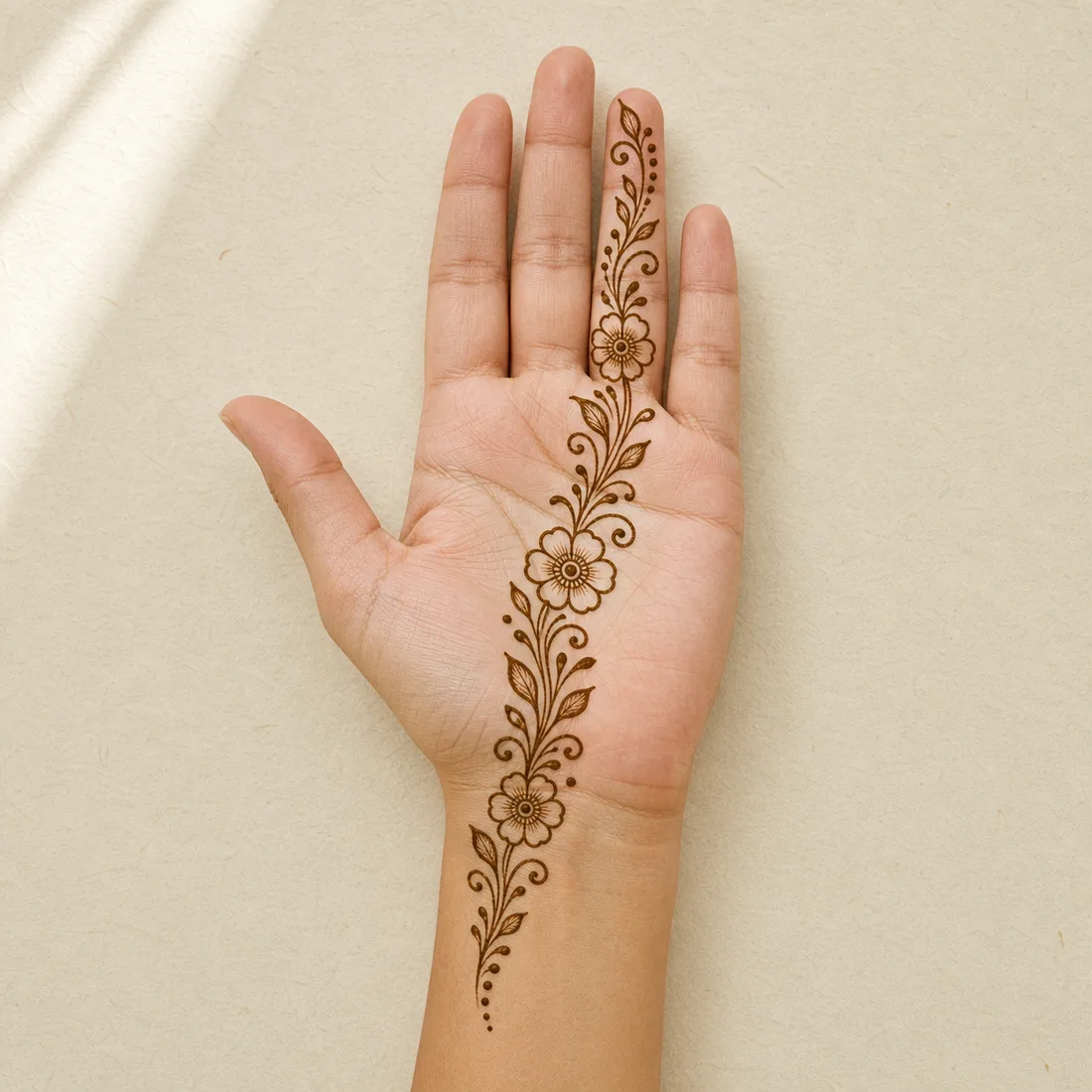
Hand preview 11
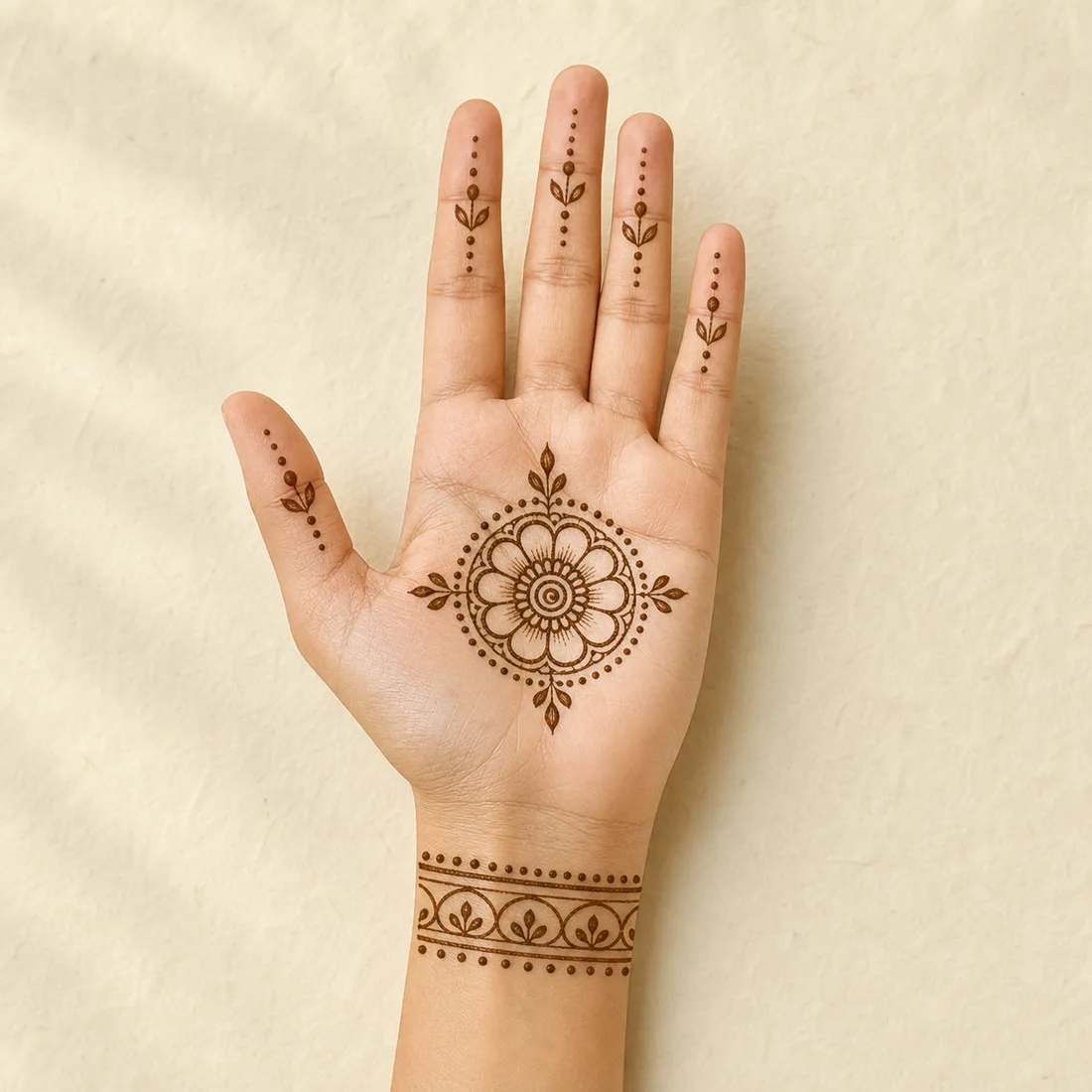
This preview shows how a floral trail can sit from wrist to finger. Treat it as placement guidance before applying a real cone.
Use the preview to estimate scale, then simplify the flower count if your hand is smaller.

Hand preview 12
This hand preview shows how a small mandala, finger dots, and wrist border can work together without becoming too dense.
Keep the mandala centered on the palm and leave the finger dots small for a cleaner result.
Practice sheet
Start with Template 01, copy the larger shapes first, then add dots, leaves, and small fills after the main linework feels steady.
Front hand notes
A diagonal floral or leaf trail is usually easiest because it gives the hand shape without requiring a perfectly symmetrical full-palm pattern.
No. One or two finger accents are enough for a beginner front-hand design.
They are placement previews for scale and layout. Use them as guidance, then simplify or resize the pattern for real application.